


iOS ECG compatibility depends on the exact ECG recorder, companion app, iPhone or iPad, operating-system version, and functions your team needs. Installing an app establishes only part of that picture; confirm the proposed combination with the manufacturer and evaluate its documented workflow before acceptance.
An app icon on a tablet can give a purchasing team more confidence than the evidence supports. For a clinic, biomedical team, or distributor, “works with iOS” leaves questions unanswered. Your team needs a clear answer for the equipment it plans to use. Which recorder is included, which software release applies, and will the required report reach the intended reviewer?
This guide turns those questions into a configuration record you can use when comparing proposals. It separates installation requirements, supplier support, local evaluation, and destination-market documentation. It also explains why iPhone and iPad checks need separate entries and when software changes should reopen an earlier decision.
The focus is equipment evaluation. ECG means electrocardiogram or electrocardiography; choosing the examination and interpreting recordings remain professional responsibilities. Manufacturer instructions govern operation, while the checks below help purchasing and technical colleagues agree on what evidence they need.
Key takeaways
- Record the recorder model, firmware, host device, OS build, and app release as one proposed configuration.
- An App Store minimum OS requirement does not establish manufacturer support for every device above that minimum.
- Apple Watch recording, Health on iPad viewing, and acquisition through an external ECG recorder are different functions.
- Keep supplier confirmation and local acceptance results separate, and review them after relevant hardware or software changes.
What iOS ECG compatibility actually covers
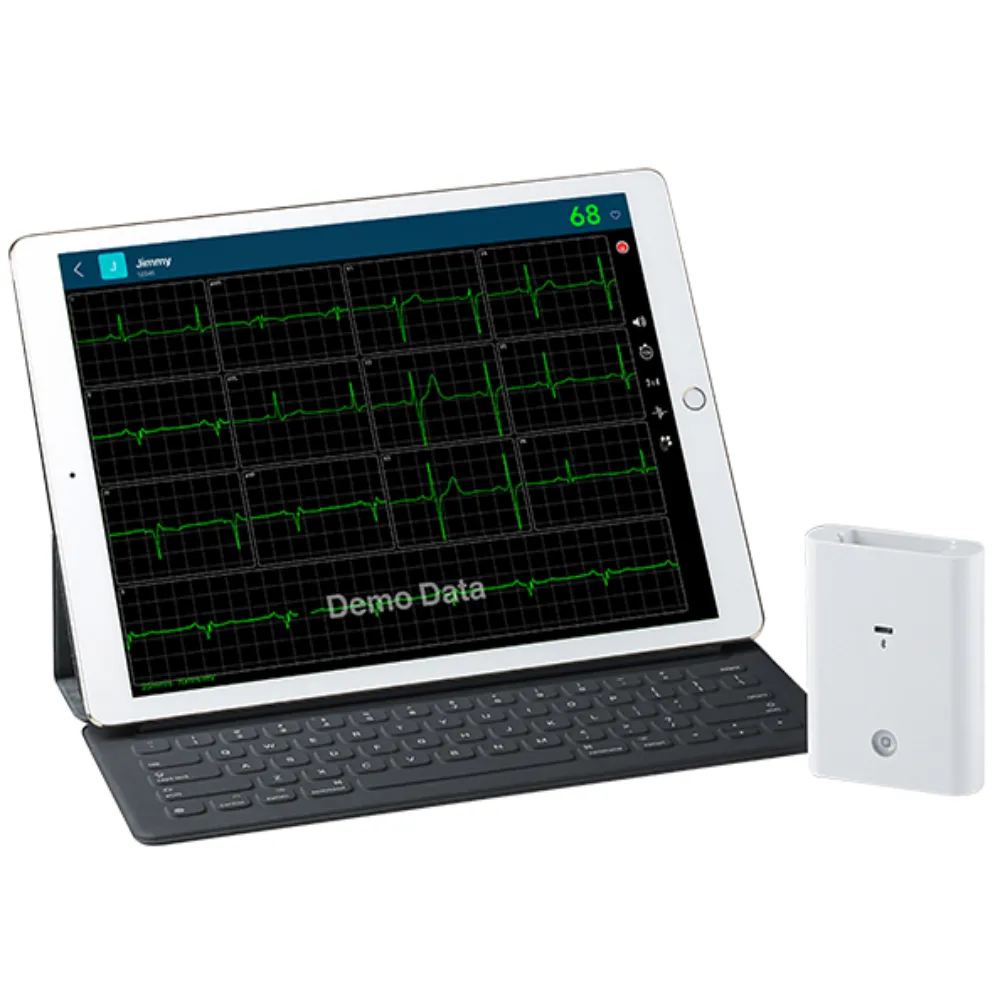
Ask four separate questions before marking a proposal compatible. Each requires evidence with a different scope.
| Question | Evidence to request | What it establishes |
|---|---|---|
| Can the app be installed? | Current regional listing and device requirements | Installation eligibility for that app release |
| Does the supplier support this combination? | Dated confirmation naming recorder, app, host, and OS | The manufacturer’s stated support scope |
| Does it meet our workflow requirements? | An agreed acceptance record using the proposed equipment | Results for the functions and conditions evaluated |
| Is it suitable for our intended market and use? | Applicable product documents reviewed by responsible staff | A basis for the separate procurement and regulatory decision |
Start with the relevant equipment family: explore V&H’s Bluetooth ECG options for iOS, then narrow the inquiry to a named recorder and application.
Distinguish recording from viewing
An Apple device may participate in an ECG workflow without acquiring the recording. Apple’s ECG support guidance describes recording on an eligible Apple Watch and reviewing stored ECG results in Health, including on iPad. Apple also distinguishes the Watch’s Lead-I-like tracing from a standard clinical 12-lead ECG.
Those functions don’t establish that Health can acquire a recording from a particular third-party recorder. Similarly, seeing a report on a tablet doesn’t demonstrate recorder connectivity. Write down whether each device will acquire, review, store, print, or forward information before comparing software.
Record the exact iPhone, iPad, recorder, and app
A useful compatibility inquiry names the proposed equipment precisely enough for someone else to reproduce the configuration. “An iPad and a Bluetooth ECG” is a starting description, but it leaves both the computing hardware and the acquisition system unclear.
Identify the recorder and software together
Record the full recorder model, hardware variant, and firmware version where available. Ask which companion application and software release belong to that recorder. If the supplier proposes a substitution, request an updated configuration record rather than assuming the same app remains appropriate.
Vales and Hills Biomedical Tech. Ltd. (V&H) names iCV200(BLE) and vhECG Pro in its iOS recorder product listing. The page also names iPhone and iPad. Use those details to start the inquiry, then ask which current device models and OS versions are supported.
When checking vhECG Pro compatibility, request the current requirements for the quoted recorder. Don’t infer support for another variant, a similarly named app, or a new OS release from the product-family name.
Keep separate phone and tablet entries
Record the exact iPhone or iPad model and generation, OS version and build, and whether the device is managed by your organization. Use iOS for the iPhone system and iPadOS for the iPad system when documenting current equipment. Retain the terminology shown in older supplier documents, but ask how it maps to the proposed devices.
For the app, capture its exact name, developer identity, release number, and regional App Store destination or documented deployment route. Also note any required license or account arrangement. These are questions to confirm, rather than assumptions about what a download includes.
Hypothetical example: Alex, a biomedical engineer, is reviewing four existing tablets for a proposed ECG purchase. All four have the same screen size, but the inventory shows two different generations and OS builds. Alex creates two configuration rows and asks the supplier to confirm each one. The purchasing record keeps both rows pending until the relevant evidence arrives, rather than approving every tablet from a general iPad statement.
Build an iOS ECG compatibility evidence record
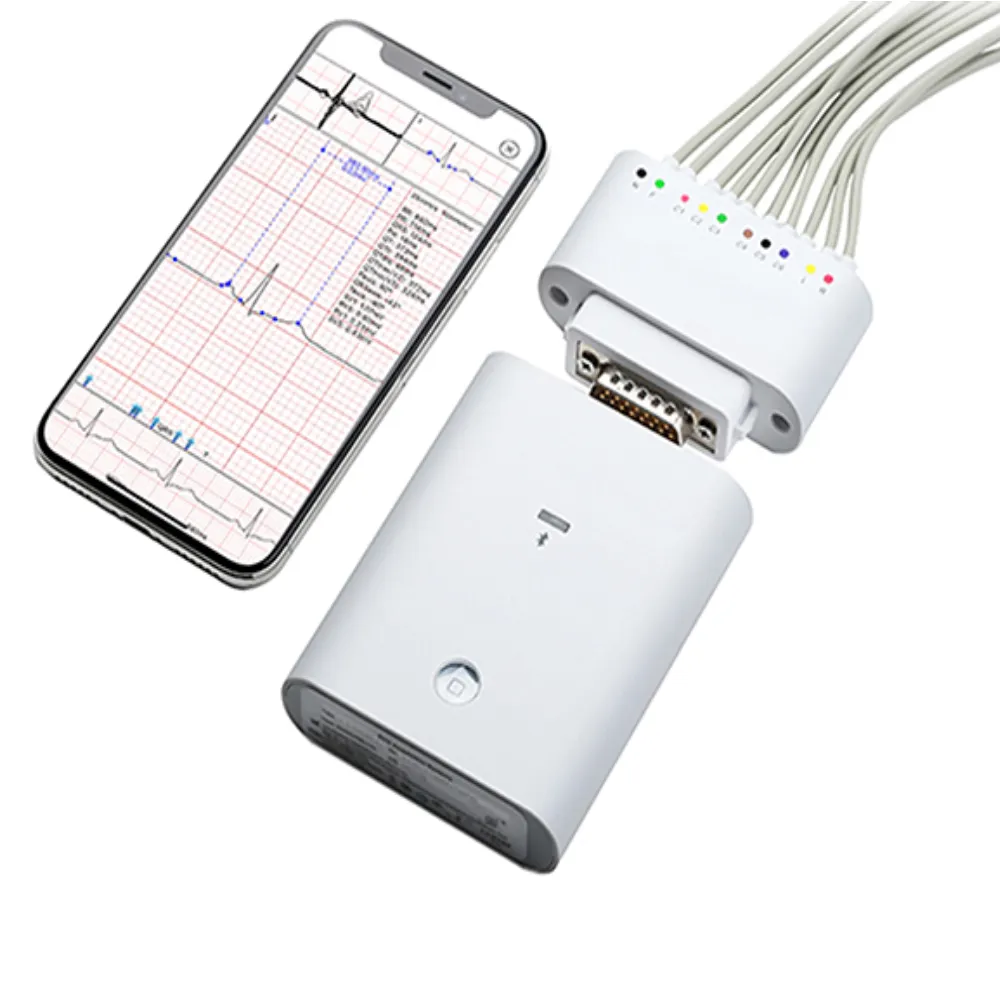
Use one record for each distinct combination of recorder, app, host, and OS. If two departments use different report destinations or device-management settings, identify those differences as well. A single equipment list can otherwise hide a requirement that matters to only one department.
Use fields that someone else can verify
Copy these fields into your procurement worksheet and fill them with actual proposed values:
- Configuration: Recorder model and variant; firmware; iPhone or iPad model; OS version and build; app name, developer, and release.
- Deployment: Destination country; app storefront or deployment route; account and license requirements; device-management restrictions.
- Required functions: Acquisition mode; record storage and reopening; report destination; printing or export requirements, if needed.
- Evidence: Document title, revision, date, applicable model, supplier response, and any stated limitations.
- Evaluation: Agreed checks, actual results, test date, evidence reference, responsible role, and unresolved items.
A record should distinguish evidence that has been requested from evidence that has been received. Useful states include “supplier confirmation pending,” “supported in the cited document,” “local check passed,” and “failed or unresolved.” These are proposed worksheet labels, not manufacturer classifications.
Keep a failed function visible even when the rest of the demonstration succeeds. For example, recording and reopening a demonstration file cannot close an unresolved requirement to deliver that file to a review workstation. Define the acceptance conditions before the demonstration so participants assess the same outcome.
Reconcile documents and app requirements
Read the current app listing alongside the documentation for the quoted equipment. An installation minimum answers which OS versions can run that release according to the listing. It doesn’t answer whether the manufacturer has validated every newer release or every host model.
Other suppliers also make compatibility specific to their products. On its Kardia compatibility page, AliveCor describes testing and validating combinations of its devices with smartphones and tablets. Those statements concern AliveCor equipment; they cannot establish support for V&H recorders.
If a manual, app listing, and supplier response appear inconsistent, record their dates and versions. Ask which combination the supplier is proposing and request clarification of the conflicting entries. Don’t select whichever requirement makes existing hardware look acceptable. A demonstration may add useful evidence, but it doesn’t resolve the manufacturer’s support position by itself.
Verify the complete workflow before acceptance
Agree on the evaluation with the supplier and the clinical, biomedical, and IT staff responsible for the equipment. Use the manufacturer’s documented procedures and an approved non-patient demonstration method. This planning checklist does not replace operating instructions or establish clinical performance.
Follow a demonstration record through its intended route
Ask the supplier to demonstrate acquisition with the quoted recorder and app, then check the functions your service requires. Where supported and included, follow the demonstration record through saving, reopening, review, report creation, and delivery to the intended destination.
Write down the actual outcome at each point. Does the receiving workstation display the required report? Can the intended reviewer find the test record? Check that the agreed output keeps the required identifiers and recording details.
Confirm the results with the staff who will use them. A successful file transfer is one step; the receiving team must also be able to complete its part of the work.
If your project needs structured data exchange or a hospital interface, request the applicable interface documentation separately. A PDF attachment and a structured connection answer different requirements. Include any required software, license, receiving system, and implementation responsibility in the proposal before accepting the integration scope.
Include permissions and managed-device conditions
Run the evaluation under the settings intended for deployment. A supplier’s demonstration tablet and an organization-managed device may have different permissions or restrictions. Document the configuration used for each check so the result can be interpreted later.
Apple explains how to review an app’s Bluetooth access under Settings > Privacy & Security > Bluetooth in its Bluetooth permission guidance. This is general operating-system guidance. It does not confirm that a recorder is supported, and enabling permission alone doesn’t prove that acquisition works.
Where relevant, agree on checks for app interruption, recorder reconnection, and network loss under the documented procedure. Ask what the operator should expect and which recovery steps are supported. Leave unverified offline behavior open instead of treating a Bluetooth connection as proof of complete offline operation.
For setup background, see the guide to using a Bluetooth ECG device with an iPad. Keep the acceptance worksheet focused on the evidence and results for your proposed configuration.
Have a specific reporting or deployment requirement? Ask V&H about the proposed ECG workflow and include the recorder, app, host devices, and required destination in the inquiry.
Recheck compatibility after software or device changes
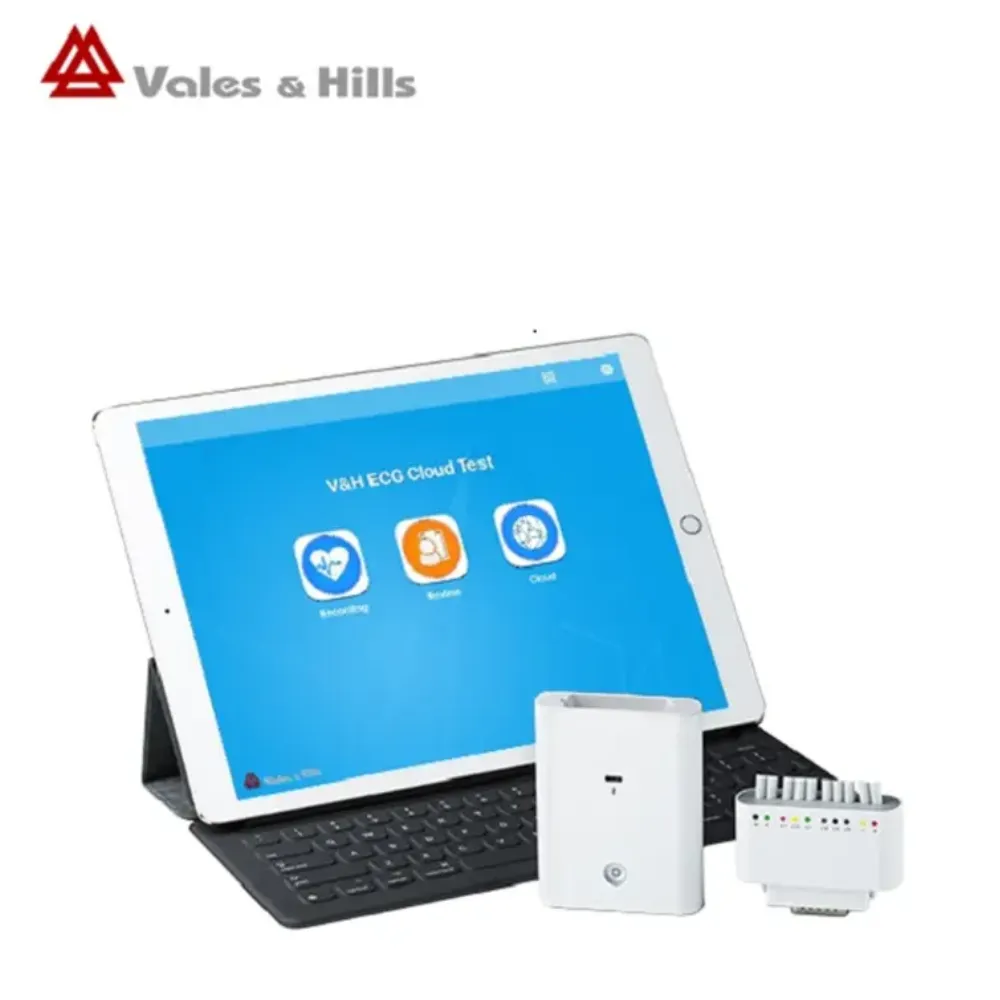
Keep the accepted configuration record with the equipment documentation. It provides a reference when a device is replaced, an app changes, or a department reports behavior that differs from the original evaluation. Without the recorded versions, colleagues may struggle to tell whether they are discussing the same setup.
Plan changes with the responsible teams
Identify the proposed change before applying it across the equipment fleet. Ask the supplier whether the new host, OS, app, or firmware combination is supported. Then agree with IT and biomedical staff on the checks needed before approving it for the intended workflow.
Balance compatibility review with your organization’s security-update responsibilities. Coordinate the deployment schedule with the responsible teams rather than leaving devices indefinitely on an older release. Ask for a supported continuity or recovery plan where necessary; don’t assume an earlier app or OS can simply be reinstalled.
The scope of rechecking should follow the change and the service’s requirements. Replacing a host device may require repeating the acquisition and reporting checks. A change to a receiving system may require attention to report delivery and review even when the recorder remains unchanged. Record the reasoning behind the selected checks.
Preserve the previous result and the new decision
Hypothetical example: Morgan, an IT lead, is asked to replace one of two tablet setups in an ECG project. The worksheet lists the original models, OS builds, and app release. Morgan adds a row for the new setup and asks for supplier confirmation and a test plan. That row stays pending, so the team can see which setup was accepted and which still needs review.
After an approved change, retain the previous configuration and add the new evidence, test date, results, and responsible roles. If a required check fails, keep the changed setup unresolved and follow the agreed escalation process. A dated history makes later support discussions more precise than a single undated “compatible” label.
Questions to resolve before ordering
Will this ECG system work with the newest iOS release?
Confirm the exact recorder, app release, iPhone model, and OS build with the manufacturer. A general iOS product description doesn’t establish support for every new release. Request current written confirmation and define any evaluation needed for your intended workflow before committing to that combination.
Does iPhone support also establish iPad support?
No. Check the proposed iPad model, iPadOS release, app availability, and required functions separately. Even when a manufacturer names both device families, your record should show which evidence applies to each proposed combination. Don’t use a phone demonstration as the only acceptance evidence for a tablet deployment.
Can Apple Health replace the recorder’s companion app?
Don’t assume it can. Viewing ECG results in Health and acquiring data from an external recorder are separate capabilities. Ask the recorder manufacturer which application performs acquisition and whether any Health connection is documented. If that connection is required, include its scope and verification in the proposal.
Does successful installation establish suitability for clinical use?
No. Installation, manufacturer support, local acceptance, and product eligibility answer different questions. Responsible staff must assess the equipment’s intended use and applicable documentation for the destination market. An installed app or a successful demonstration does not replace that assessment.
What should the quotation say about software?
Ask it to identify the recorder and application, supported configuration, license scope, included accessories, and any agreed reporting or integration components. Have the supplier distinguish included items from optional ones. Keep unanswered requirements attached to the proposal so they remain visible when the commercial offer is reviewed.
Request confirmation for your proposed configuration
A useful iOS ECG compatibility decision connects the equipment you plan to buy with the evidence your team has reviewed. Start with the exact recorder, app, iPhone or iPad, and OS build. Then identify which documents support that combination and which required functions still need evaluation.
Keep installation eligibility, supplier support, and local acceptance results distinct. Preserve the configuration and dates behind each result, and reopen the relevant checks when hardware, software, or the reporting route changes. That gives purchasing, biomedical, and IT colleagues a shared record for the decision.
For a V&H inquiry, prepare the proposed model, host-device inventory, software versions, destination country, and required recording and reporting workflow. Note whether you need confirmation for existing equipment or guidance on a new configuration. Attach the unresolved questions rather than replacing them with assumptions.
Request current ECG specifications and configuration confirmation from V&H. Ask for the applicable model documentation and a proposal that identifies what is included, so your team can evaluate the same configuration before ordering.
Post time: November 26, 2026


