


A tablet lock does not protect every exported ECG copy. Android ECG data security requires checking who can access each record, how it moves, where copies remain, and who keeps the system up to date.
For a clinic, a successful recording is only the start. The electrocardiogram (ECG) waveform may travel with a name, record number, test date, and clinical comments. A PDF sent for review creates another copy with its own access rules. The recording app does not control every later use.
You need a way to assess the complete setup before purchase. This guide turns that task into a data-flow review, a supplier questionnaire, and a practical test using dummy records. It draws on Android’s security guidance and distinguishes V&H product descriptions from the aECG app’s published privacy policy.
Start with the exact recorder, Android host, app version, and proposed destination for reports. Then involve your clinical, IT, and privacy teams in the same review. The aim is a written decision about the setup your clinic will use.
Key takeaways
- Review the Bluetooth link, Android app, exported reports, and backup destinations as separate parts of the workflow.
- App-private storage and device encryption do not establish the protection of copies sent to another service.
- The aECG privacy policy describes local storage by default and an optional institution-operated ECG network; confirm its applicability to your proposed version.
- Use dummy records to test access, sharing, retention, and recovery before allowing patient data into the deployment.
Map Android ECG data security across the workflow
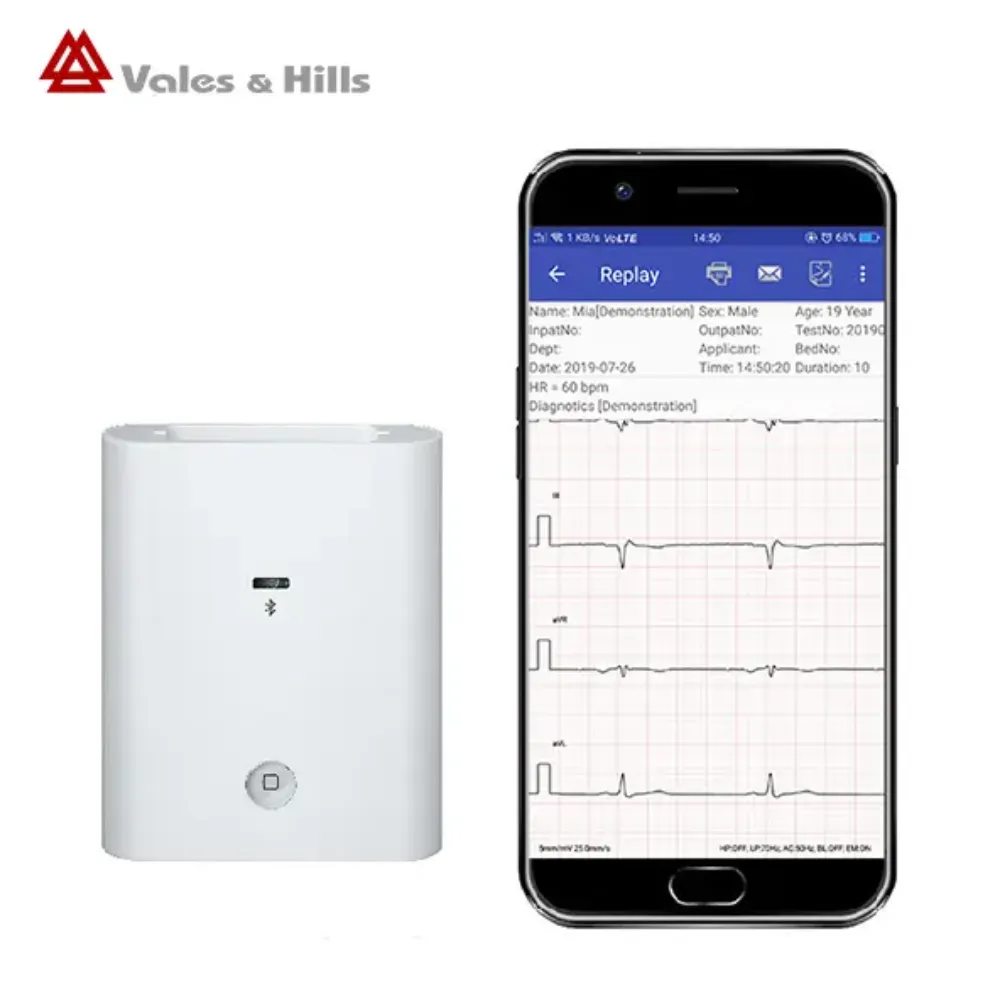
Start with one sample ECG and follow each record it creates. Include the waveform, patient details, report, printout, and any log used for troubleshooting. Name the person or team in charge at each stage.
If you are selecting equipment, explore V&H’s Bluetooth ECG options for Android alongside this review. Ask which exact recorder and application would be included in your proposal.
A simple inventory exposes questions that a feature list cannot answer:
| Stage | What to identify | Evidence to request |
|---|---|---|
| Acquisition | Recorder, receiving app, and pairing process | Supported configuration and connection documentation |
| Local storage | Waveforms, patient details, reports, and temporary files | Storage locations and access-control description |
| Review or network upload | Server, user accounts, and authorized viewers | Data-flow diagram and account responsibilities |
| Export and printing | PDF/PNG copies, recipients, and printer output | Approved sharing and handling procedure |
| Backup and retirement | Backup copies, restore process, and device disposal | Retention, recovery, and deletion procedure |
Give each row an owner. A supplier may describe the app, while your institution manages tablets and a separate provider runs a server. Document those boundaries before approving the workflow.
The right team also needs access to the right record when it is needed. A private file linked to the wrong patient still creates a serious problem. Check patient identity, changes to records, and recovery as well as who can view the data.
Protect the Android host and local ECG records
Check storage and user access separately
Android’s app security best practices recommend internal storage for private user data and sensitive cache files. Android’s app sandbox restricts ordinary access by other apps. That platform design does not prove where a particular ECG app stores its files.
Ask the supplier to identify the locations used for recordings, exported reports, cached previews, and logs. A report saved outside the app needs its own review. Don’t assume every file has the same protection as the waveform inside the app.
Request a demonstration of the access available to each user type:
- Operator: Can they acquire a new record without viewing unrelated patients?
- Reviewer: Can they see only the records their role requires?
- Administrator: Who can add users, change access, or export large groups of records?
- Departing staff member: How is access removed from the app and any connected service?
- Support technician: What data can they see during a remote support session?
These questions help you check what the app supports. They do not imply that every app offers each role. If access is shared, note the limit and ask your clinic whether that setup meets its needs.
Hypothetical example: Priya manages a clinic planning to use two shared Android tablets. During a dummy-data rehearsal, they lock a tablet and then check the next operator’s access after unlocking it. The app still shows the previous test record under a shared session.
Priya records the result and asks IT and the supplier to agree on a supported handover process. The clinic postpones patient-data use until that process meets its access requirements.
Keep the host supportable
Choose a supported host and agree on an update plan. The Android version alone isn’t enough. Include the tablet model, security patch level, device policy, and app build, then ask how updates are tested with ECG recording and reports.
Before handover, define these controls with IT:
- A screen-lock policy suitable for the examination workflow and shared-device use.
- An approved installation source and a process for checking app identity.
- A supported update process for the host, app, and recorder where applicable.
- A review of requested permissions against documented app functions.
- A lost-device process covering access revocation, escalation, and any supported remote management.
Avoid rooted or otherwise modified hosts unless the manufacturer and your institution have explicitly approved that configuration. App isolation is not a promise of protection after an attacker gains privileged control of the device.
Check Bluetooth, network transfer and report sharing
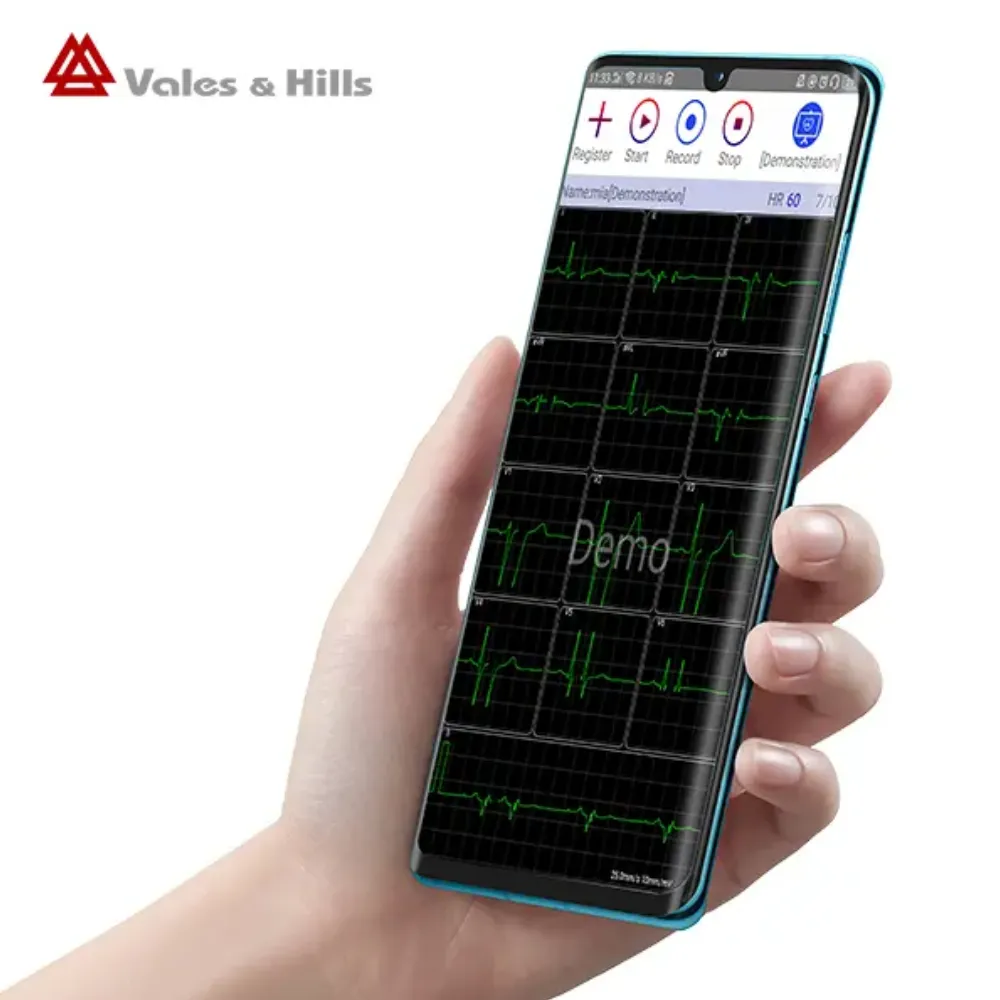
Ask what protects each connection
Bluetooth names the connection technology. It does not tell you how the recorder pairs, checks device identity, encrypts data, or handles an old paired host. Ask for the controls used by the proposed hardware and software versions.
For server links, Android’s guidance recommends Transport Layer Security (TLS) and checks that the server certificate is valid. TLS protects the link. It doesn’t tell you who can read the record once it reaches the server. Ask how the receiver stores data and which users and support staff can see it.
A useful transfer review covers:
- How the operator identifies the intended recorder and receiving host.
- How an authorized replacement host is added and a retired host is removed.
- Which network destinations receive clinical records or technical logs.
- What happens when a transfer fails, is retried, or creates a duplicate.
- Which controls protect records at the receiver and any onward destination.
Ask for the actual Bluetooth mode and TLS version; do not infer them from a marketing page. Written security details and a configuration demonstration should refer to the same proposed system.
Control copies after export
An exported PDF or image becomes a separate item to manage. Before sharing, confirm the patient and encounter, intended recipient, approved channel, and required retention. A share button doesn’t mean your clinic has approved every destination it offers.
Agree on how staff will handle these outputs:
- Email or messaging: Use only destinations and accounts approved for the intended data.
- Network drives: Identify access groups, retention rules, and the person who manages permissions.
- Printed reports: Define collection, storage, and confidential disposal under institutional policy.
- Support attachments: Prefer approved dummy or appropriately prepared data; avoid casual screenshots of patient records.
Also check the Android host’s own backup settings. Android Auto Backup documentation explains that eligible apps can take part by default. Which files are included and how transfers work depend on the app, Android version, and settings.
Check backups even when an ECG app has no dedicated cloud feature. This does not prove that aECG backs up your recordings.
Hypothetical example: Alex coordinates a pilot with 12 dummy ECG records. They export three reports to an approved test folder, then remove the corresponding records inside the app. The exported reports remain in the folder.
Alex adds that destination to the list of stored copies and assigns its cleanup to the folder administrator. The rehearsal reveals a separate copy-management task without exposing patient data or pretending that app deletion controls every destination.
Compare your host options: Review the Android and PC-based ECG workflow comparison if your team is choosing a platform. Evaluate the controls and support of each proposed setup rather than assuming one operating system settles the security question.
Request Android ECG data security evidence from suppliers
Separate documented functions from verified controls
Vales and Hills Biomedical Tech. Ltd. (V&H) describes Bluetooth transfer to aECG and PNG/PDF report sharing on its iCV200 Android product page. These descriptions establish functions to evaluate. They do not establish the encryption or access controls of every deployment.
The aECG privacy policy, effective March 21, 2026, identifies Vales & Hills BioMedical Tech. Ltd. and package com.vhecg.aecg.sampler.app. It states that ECG and related personal data are stored locally by default. If enabled, records may be uploaded to an ECG network operated by a medical institution.
The policy gives different routes for local and network deletion. It describes removing local records in the app and requesting network deletion through the responsible institution or administrator. Confirm the app identity, the policy that applies, and the current process for the setup in your quotation.
A privacy policy explains how the operator says data is handled. It is not a technical test report. The reviewed sources do not prove which aECG encryption algorithm, TLS version, user roles, audit logs, or security certifications apply.
Send a versioned questionnaire
Ask the supplier to answer against the exact model, app build, host, and network arrangement. Keep the response date and document version with the quotation so later changes are visible.
| Question | Useful evidence |
|---|---|
| Where are raw recordings, metadata, exports, caches, and logs stored? | A labelled data-flow diagram and storage inventory |
| Which protections apply to local files and exported copies? | An implementation description with scope and limitations |
| What protects Bluetooth and server connections? | Model/version-specific pairing, encryption, and transport documentation |
| Which users can view, edit, export, and delete records? | A permissions matrix and supported account demonstration |
| Can viewing, changes, and exports be traced where required? | Logging scope, sample event records, and retention details |
| Which backups or device-transfer paths can contain records? | Configuration guidance and a documented recovery test |
| Who operates connected services and can access their data? | Hosting locations, relevant provider roles, and contractual responsibilities |
| What happens at end of support or device retirement? | Update policy, data-export options, and retirement procedure |
| Who can see data during remote support? | Support access rules, session approval, and records of work performed |
| What happens after an export goes to the wrong destination? | Incident reporting, access revocation options, and agreed responsibilities |
| Does the app require a network for each function? | A list separating recording, review, uploads, and updates by connection need |
| How are software changes documented? | Release notes, version history, compatibility guidance, and support dates |
A response stating only “encrypted” leaves the question open. Ask which files and links it covers, who manages the keys, and when the control applies. Where a supplier cannot provide a control your institution requires, record the gap before ordering.
Agree on whom to contact when something goes wrong. Name the team that will review a lost tablet, a report sent to the wrong person, a service outage, or a suspected app issue. Ask for written support terms, including any agreed response times.
Test access, exports and recovery before approval
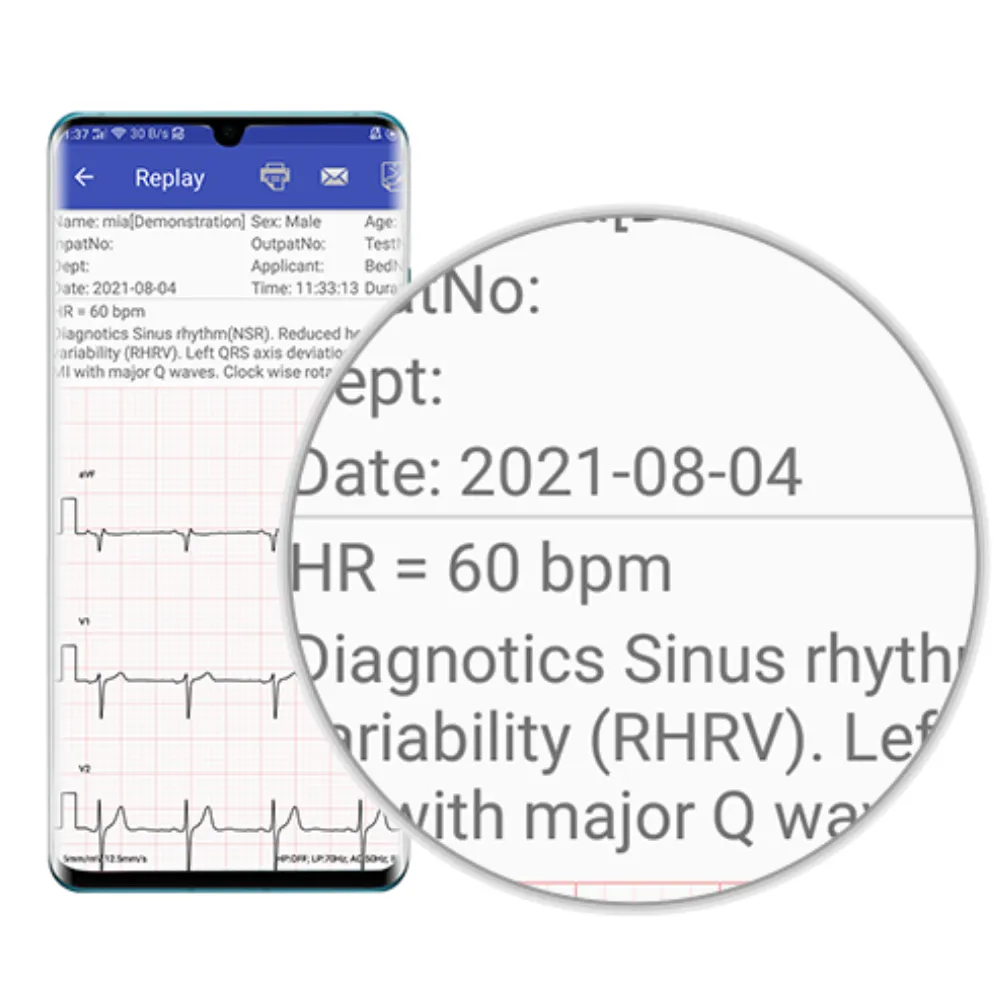
Rehearse the proposed workflow with dummy records
Turn the supplier answers into a test plan. Use made-up identifiers and approved test records in a controlled setting. Agree on the result you expect before the test, then record what happens.
| Test | Observation to record |
|---|---|
| Acquire and reopen a dummy record | Correct identifier, timestamp, and association with the intended examination |
| Switch users or end a shared-device session | What the next authorized user can see and which session controls apply |
| Export through each approved route | Recipient, file location, displayed identifiers, and remaining local copies |
| Interrupt a supported test transfer | Retry behavior, duplicates, and whether completion is visible |
| Delete an eligible dummy record | What disappears from the app and what remains elsewhere |
| Restore from an approved backup, if supported | Record completeness, identity matching, and access after recovery |
| Remove a test user’s access | Whether app, network, and relevant shared-folder access are all addressed |
| Prepare a test host for retirement | Documented removal steps for the host and separately held copies |
| Check temporary and test outputs | Whether previews, downloads, printer queues, or logs need separate review in this setup |
| Repeat after an approved app update | Whether access, record identity, exports, and recovery still meet the agreed requirements |
These checks show how the workflow behaves. They do not replace a technical security review, clinical validation, or your clinic’s approval process. Do not alter medical records or disable protections to complete a demonstration.
Keep a test record with these fields:
- Setup: Recorder, host, app build, and test date.
- Expected result: The behavior agreed before the test.
- Observed result: What happened, including any remaining copies or access.
- Evidence: Approved test screenshots or logs, stored with access and retention rules.
- Owner and outcome: Who will address each gap, and whether the test passed, failed, or remains pending.
Does Bluetooth mean the ECG recording is encrypted?
No. The product’s Bluetooth connection needs a model-specific review. Ask the supplier to explain the pairing and protection used, then assess the Android host and exported reports separately. Seeing a recorder in the app does not answer those security questions.
Is an Android ECG app automatically HIPAA compliant?
An Android name, app-store listing, or encryption claim cannot settle that question. For US use, ask your privacy and legal teams which duties and agreements apply under the Health Insurance Portability and Accountability Act (HIPAA). The sources reviewed here do not establish aECG compliance for your clinic’s use.
Does deleting the app delete every ECG copy?
Do not treat uninstalling as a complete record-retirement procedure. Check exported files, recipient copies, institutional systems, and backups separately. Read the aECG policy’s local deletion terms alongside its network rules and the setup your clinic uses.
A deletion test must follow the rules for how long records must be kept. Ask the institution which dummy records may be removed during testing and who authorizes disposal of real records later. No universal retention duration or deletion deadline is established here.
Make the deployment decision with documented evidence
Android ECG data security is a decision about the whole record lifecycle. Start with the recorder and host, follow each transfer, and identify every stored or exported copy. Match each stage to a control, an owner, and evidence for the proposed configuration.
Keep the purchasing record practical. Save the model and software versions, supplier answers, supported host details, and dummy-data test results together. Distinguish a published feature from a demonstrated control, and keep unresolved questions visible to the people approving the deployment.
Before patient use, your institution should decide whether the evidence meets its requirements. If access, sharing, backup, or support arrangements remain unclear, give those gaps a responsible owner and an agreed resolution. Revisit the assessment when the host, application, destination service, or institutional workflow changes.
Request model-specific ECG documentation from V&H with your recorder choice, Android host, destination market, and intended data flow. Include the questionnaire and any required controls so the proposed equipment can be evaluated against your clinic’s actual needs.
Post time: November 21, 2026


