


Bluetooth ECG pairing starts with the connection method specified for your exact recorder and app; the phone’s Bluetooth device list isn’t always the starting point. Use the supported application, allow its required Bluetooth permissions, and confirm the intended recorder before following the manufacturer’s connection instructions.
A phone can have Bluetooth switched on while an ECG app still lacks access. An app can also find a recorder without completing a usable connection. Those situations look similar at first, especially when a clinic uses several tablets or moves equipment between examination rooms.
For biomedical engineers, clinical technicians, and equipment buyers, the useful question is where the process stops. This guide separates preparation, permissions, discovery, connection, and recording checks so you can investigate the right stage and provide a clear support handover. ECG refers here to electrocardiography and its recorded electrical signal.
The guidance draws on official mobile-platform documentation and identified manufacturer resources. Device-specific examples retain their product names. Use your current instructions for use for operation, patient preparation, and recovery steps; this article does not replace that documentation or assess a patient’s ECG.
Key takeaways
- V&H’s iOS category describes app-managed BLE connection; its Android iCV200 listing names aECG. Confirm the model and software combination.
- Android permission requirements depend on the app’s implementation and target SDK; iOS also controls app Bluetooth access separately.
- Check the recorder’s identity, not just a familiar display name, when several units are nearby.
- A connection indicator, an acquired waveform, and a saved recording are separate checks.
Choose the correct Bluetooth ECG pairing route
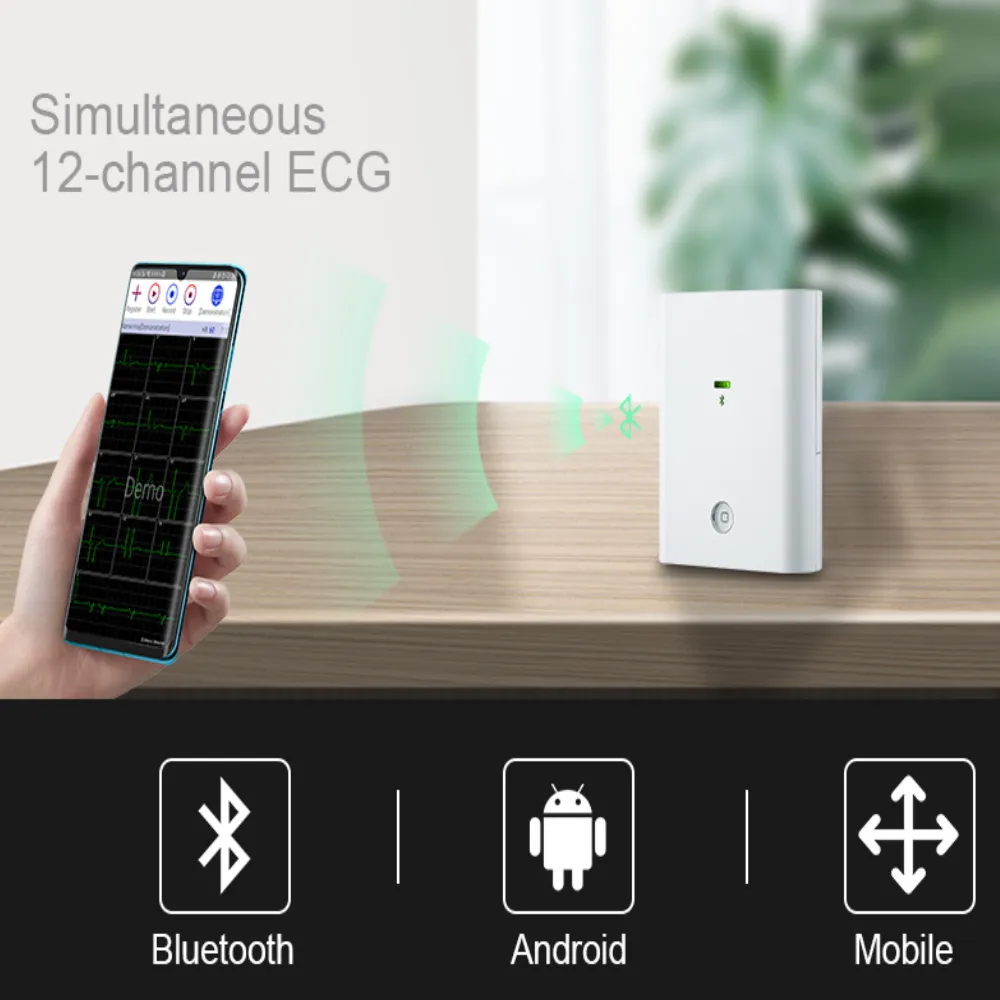
Before troubleshooting, identify whether the manufacturer directs you to the ECG app, the phone’s settings, or a documented combination. Starting in the wrong place can leave you looking for a device that the app is meant to discover itself.
Review V&H’s Android wireless ECG options against your intended mobile platform, and request confirmation of the exact configuration before selection.
Discovery, pairing, and an active app connection
For practical troubleshooting, keep three observations separate. Discovery means the phone or application can find a nearby device. Pairing refers to establishing an association where the product requires one, while connection means the application has an active communication link to the recorder.
An ECG app may use the word “pair” more broadly in its interface. Follow the manufacturer’s terminology, but report what you actually see: a device name in a list, a connection request, an error message, or a connection-status change. Don’t treat those observations as interchangeable.
A Bluetooth Low Energy (BLE) product can use an app-managed connection without requiring you to create a pairing entry manually in system settings. Conversely, a product that requires a system prompt still needs that documented step. There is no universal ECG pairing screen or PIN.
Keep V&H Android and iOS instructions separate
Vales and Hills Biomedical Tech. Ltd. (V&H) describes automatic BLE detection and connection through vhECG Pro or vhECG Smart on its Bluetooth ECG for iOS page. That page states that manual pairing in iPad or iPhone settings is unnecessary for the described transmitters. Confirm that this guidance applies to your exact model, application, and software version.
The Android iCV200 product listing names aECG and describes Bluetooth signal transfer. That information alone does not establish an Android pairing sequence, a supported operating-system range, or a recovery procedure. Use the applicable Android instructions rather than copying the iOS route.
Prepare the recorder, app, and mobile device
Collect the full recorder model, its serial number, the application name and version, and the phone or tablet model. Record the operating-system version as well. A product-family name is too broad when hardware variants or software releases differ.
Check the supported combination against current manufacturer documentation. An application appearing in an app store does not establish compatibility with every recorder or tablet. If the documentation and installed version differ, clarify that difference before changing the setup.
Check readiness without borrowing another product’s procedure
Confirm power and the recorder’s documented ready state. Some products use a battery; others have charging or accessory requirements. Follow the relevant instructions rather than assuming that every recorder becomes discoverable as soon as a light appears.
For example, ECG247’s setup guidance says its sensor must be attached to the electrode patch and show a blue light before connection. Those are ECG247 requirements. They illustrate why a generic instruction to “switch on Bluetooth” cannot replace the selected device’s setup procedure.
For a controlled check, keep the intended mobile device and recorder together in the approved setup environment. Record other active ECG applications or previously used tablets nearby. Avoid assigning a universal distance limit or assuming an interference source before you have observed a pattern.
Confirm which recorder the app has found
Compare the device identifier shown by the app with the identifier specified in the manufacturer’s instructions. If the interface exposes a serial number, use it to distinguish similar units. Don’t choose solely because a name resembles the equipment label.
Hypothetical example: Alex prepares two recorders and two clinic tablets for a training session. Both tablets display similar device names, so Alex pauses before selecting either entry. They compare each displayed identifier with the equipment register and mark the intended recorder-tablet combinations on the training checklist.
The result is a clear identity record for the session, rather than an assumption based on which device appeared first. This example illustrates a preparation method, not a V&H customer case or a tested product result.
If the app doesn’t expose a usable identifier, ask the supplier how operators should verify device identity. Don’t invent a naming convention or change equipment labels without the team’s approval.
Check Android and iOS Bluetooth permissions
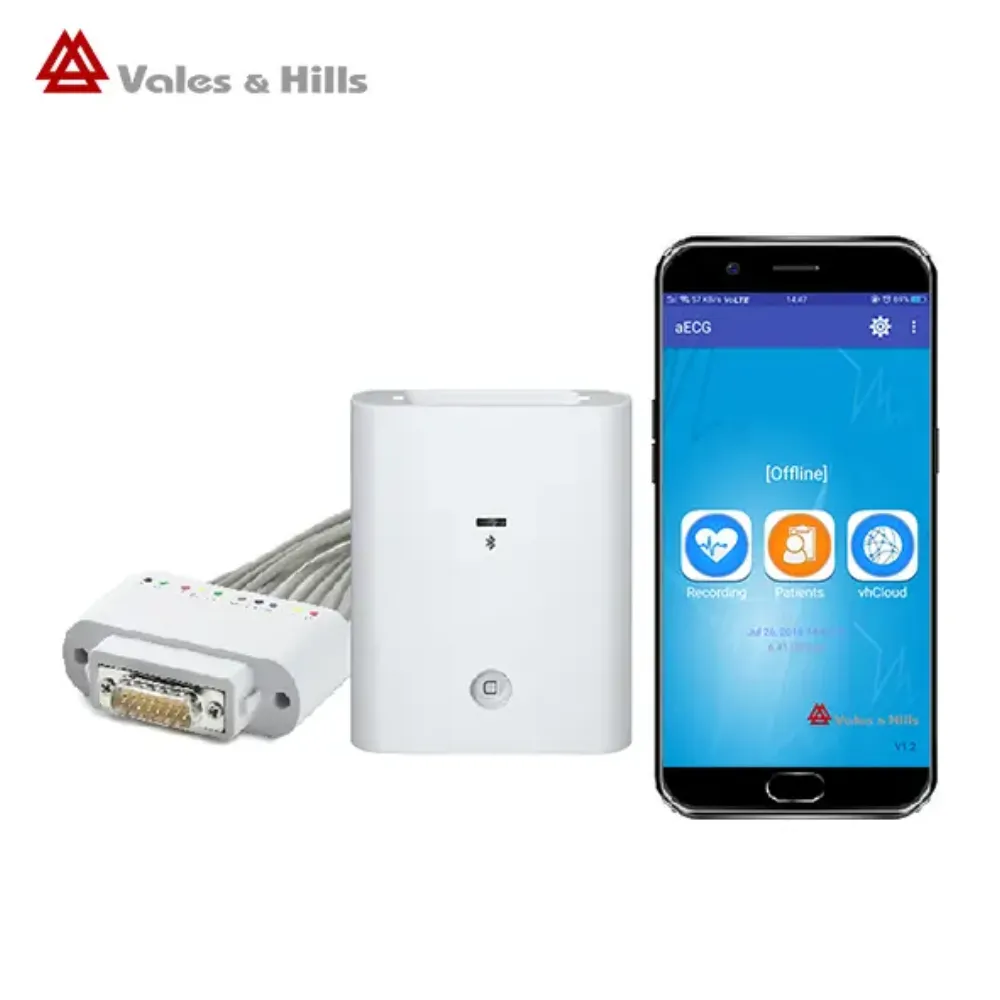
The phone’s Bluetooth switch and the ECG app’s permission are separate checks. A working Bluetooth headset is therefore not enough evidence that the ECG application has the access it needs.
Android Nearby devices and older scanning paths
Android’s Bluetooth permissions documentation distinguishes requirements by the application’s target SDK and behavior. For apps targeting Android 12 or higher, applicable Bluetooth scanning and connection permissions are requested at runtime through the Nearby devices permission group.
The same documentation describes Location permission for earlier Bluetooth scanning paths and exceptions involving the Companion Device Manager. This is why “enable Location on every Android phone” is too broad. The app’s implementation matters alongside the phone’s Android version.
Open the installed ECG app’s permission settings and compare them with its current setup instructions. Allow the access required for the supported connection workflow. Menu labels can vary by phone manufacturer, so use the device’s own settings guidance when the wording differs.
If the app never requests an expected permission, record that behavior and the installed version. Ask the supplier whether that release supports the phone and operating system. Repeatedly toggling unrelated permissions won’t explain an unsupported combination.
iPhone and iPad app Bluetooth access
Apple’s Bluetooth privacy guidance states that, starting with iOS 13 and iPadOS 13, apps must request permission to use Bluetooth functions. Access can be reviewed under Settings > Privacy & Security > Bluetooth.
Confirm the ECG app’s access there, as well as the main Bluetooth setting. Then follow the app’s documented connection route. Permission allows the app to use Bluetooth functions; it doesn’t certify that a particular recorder or operating-system version is supported.
For broader V&H platform context, the existing iPad ECG workflow guide explains the application-based setup concept. Keep the current exact-model instructions beside it when checking your configuration.
Troubleshoot Bluetooth ECG pairing by the failure stage
Write down the first step that fails before taking corrective action. “ECG device not connecting” could describe an empty discovery list, a rejected connection, or an interruption after the application has already received data.
| What you observe | What to check first | What to record |
|---|---|---|
| Recorder never appears in the app | Supported model/app combination, documented ready state, required permissions, and correct discovery route | App version, recorder state, and whether any device entries appear |
| Recorder appears but will not connect | Intended identifier, documented connection request, and any prior phone association | Exact error text and the step that triggered it |
| Link starts, then drops | Recorder power, app foreground/background state, and a repeatable environmental or workflow change | Time of interruption and what changed immediately beforehand |
| App reports a connection but no usable recording follows | Model-specific acquisition setup, waveform status, and recording/save steps | Connection status, acquisition message, and save result separately |
Change one condition at a time
Use a controlled comparison where the manufacturer permits it. Start with the intended supported configuration, note the result, then change one condition and repeat the documented check. Changing tablets, permissions, software, and batteries together makes the outcome harder to interpret.
Check whether the recorder remains associated with a previously used host. HeartBeam’s patient FAQ, for example, warns that using its Card across multiple mobile devices may cause Bluetooth pairing issues. That is evidence about the HeartBeam product, not a universal single-phone limit for ECG equipment.
For your recorder, follow its documented host-switching procedure. Don’t interrupt another operator’s examination or disconnect clinical equipment to test a theory. If the association behavior is unclear, include that question in the support request.
Investigate interruptions without erasing the evidence
If the link drops after the screen locks or another app opens, record that sequence. ECG247’s guidance identifies phone battery-optimization settings as one possible cause of its app closing or Bluetooth connection stopping. Apply any background-operation adjustment only when it is supported for your actual product and permitted by local device policy.
Hypothetical example: Morgan checks a training tablet on which the ECG app connects while open, then loses the link after screen lock. They record the operating-system version, app version, and the sequence twice without patient data. Instead of reinstalling the application, Morgan sends the observations to the equipment supplier and asks for the supported background settings. The outcome is a reproducible support report; it does not establish a cause or claim that a settings change fixed the recorder.
Don’t use factory reset, application deletion, or broad network reset as an automatic first step. Those actions can remove local settings or records. Preserve required information and follow the manufacturer’s recovery procedure before taking action that could change stored data or device associations.
Separate connection from acquisition and saving
A connected label is only one observation. Eko’s DUO troubleshooting guide checks connection, waveform display, and the ability to make and save a recording as separate stages. Its sequence illustrates a useful distinction without making its operating instructions applicable to other products.
If your app reports a link but shows an acquisition error, move to the model’s acquisition guidance. Check the documented accessories and signal setup with the responsible trained operator. Repeating Bluetooth setup alone may not address the stage that is failing.
Build a support handover that someone can reproduce
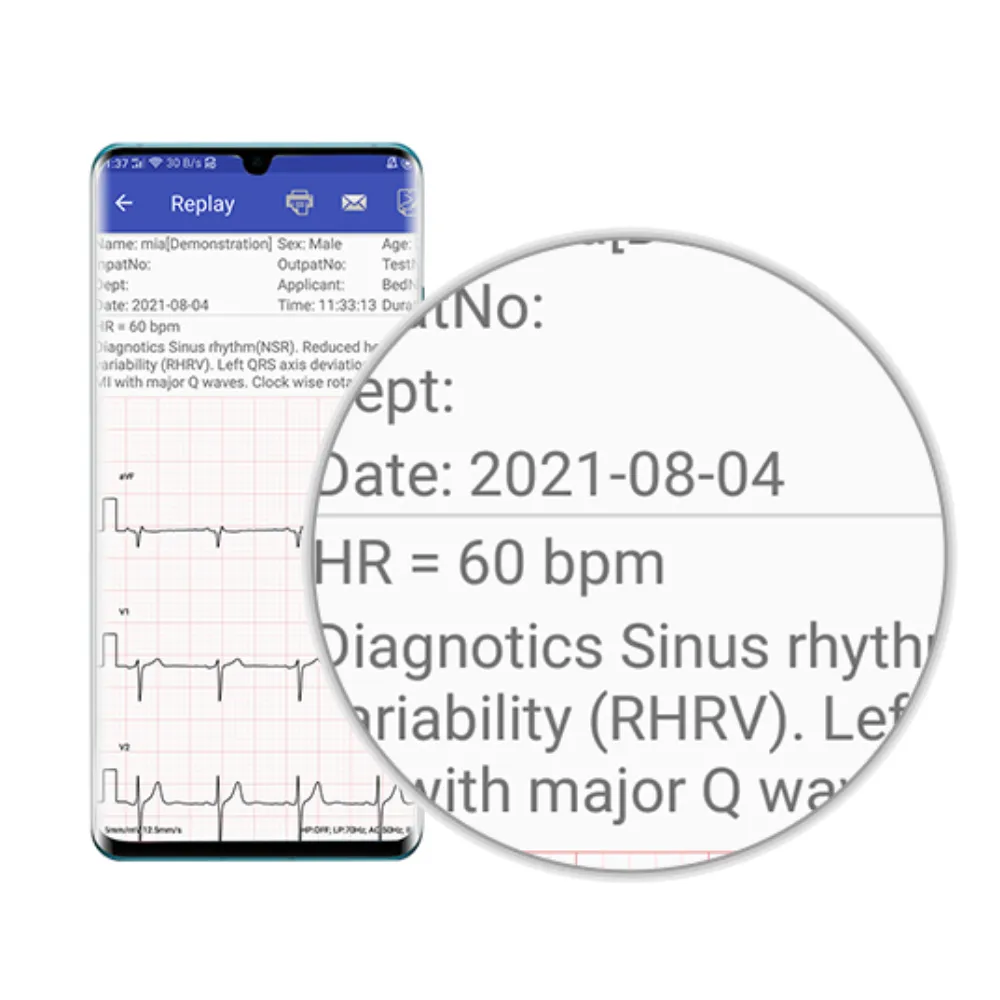
A useful handover identifies both the configuration and the observation. It should allow another technician to understand the failure without guessing which recorder, tablet, or application was involved.
Prepare the following details:
- Recorder model, serial number, and firmware version if available
- Phone or tablet model and operating-system version
- ECG application name, version, and installation source
- Exact failure stage and any error message
- Power/readiness state and relevant app permissions
- Whether another host was used and which approved checks were attempted
- Whether connection, waveform display, recording, and saving each completed
Keep the record factual. “The app found the recorder but displayed a connection error after selection” is more useful than “Bluetooth is broken.” Include a timestamp and note whether the behavior repeats under the same conditions.
Screenshots and logs may help when the supplier requests them. Remove patient identifiers and unrelated personal information, and use your organization’s approved support channel. Do not post an unredacted ECG report or device log to a public forum.
Prepare a configuration inquiry: Gather this checklist before asking V&H to confirm the application, supported platform, and current setup documentation. For a new purchase, include your destination market and intended examination workflow so the technical discussion concerns the equipment you plan to use.
Record what a successful check actually proves
After an approved change, repeat the relevant manufacturer-defined check and record the result. Use an authorized test arrangement and trained personnel. Don’t assume a failed session can be recovered or a recording resumed unless the model documentation confirms that behavior.
Document the configuration that worked, the checks completed, and any remaining restriction. A successful connection check confirms a communication step under those conditions. It does not establish diagnostic accuracy, regulatory authorization, cloud synchronization, or integration with another system.
Questions about ECG Bluetooth connections
Do I pair in phone settings before opening the ECG app?
Only if the selected product’s instructions require it. V&H’s iOS category describes an app-managed BLE route without manual settings pairing for the transmitters it discusses. Other products can require different steps, so identify the exact recorder and app first.
Why can’t the app find an ECG if Bluetooth is on?
Check app permission, the recorder’s documented ready state, and model compatibility. The system switch alone doesn’t establish those conditions. If discovery still fails, record the installed versions and the visible device state for support.
Why does a connected device still lack a usable recording?
Connection, signal acquisition, and saving are different stages. Follow the model’s acquisition instructions and inspect the specific error with a trained operator. A connection indicator alone does not show that an ECG has been acquired and saved correctly.
Can another ECG app connect to the recorder?
Don’t assume interchangeability because both products use Bluetooth. Ask the manufacturer which applications, versions, and platforms support the exact recorder. Device discovery in an unrelated app is not evidence of a supported acquisition workflow.
Confirm the connection before returning to the workflow
Bluetooth ECG pairing is easier to investigate when you identify the connection route, app permission, and recorder identity first. Keep the exact model and software version attached to every observation. A generic product-family name or a familiar device label leaves too much uncertainty for a useful handover.
When a check fails, describe the first failed stage and preserve the evidence. Use the current instructions for use for corrective steps, then record whether the required connection, acquisition, and recording checks completed. Leave clinical interpretation and equipment release decisions with the responsible professionals and your organization’s procedures.
For a V&H configuration, request current setup and compatibility information with the recorder model, app version, phone or tablet, operating system, destination country, and failure stage. Ask for the documentation applicable to that combination, including any supported host-switching or recovery procedure. Those details give the supplier a concrete setup to discuss and help your team retain a clear record of what was confirmed.
Post time: November 17, 2026


