


Android ECG compatibility depends on the exact ECG recorder, companion application, phone or tablet, and operating-system version. Confirm these components together before ordering equipment. An installed app and an available Bluetooth connection are only the beginning of that check.
Reusing clinic tablets can look like a straightforward purchasing decision. The harder question is whether the proposed recorder and software support those particular devices, including the functions your service needs. A product description that says “Android compatible” doesn’t answer every part of that question.
This checklist helps clinical, technical, and purchasing teams record the configuration, separate documented requirements from open questions, and prepare a useful supplier inquiry. It focuses on professional resting ECG equipment with an external recorder. Consumer watches and phone-only pulse apps serve different purposes and shouldn’t set the requirements for this purchase.
Use the decision table to keep hardware, software, and acceptance evidence together. That gives everyone reviewing the quotation the same configuration to assess.
Key takeaways
- Verify the recorder, companion app, Android device, and software versions as one configuration.
- The V&H Android iCV200 product page names aECG; request the current app and host requirements for the offered revision.
- Treat successful installation, ECG acquisition, saved output, and required printing as separate checks.
- Keep missing compatibility evidence open for verification, and review relevant changes before extending a tested setup to other devices.
What must be compatible in an Android ECG system?
Match the recorder to its companion application
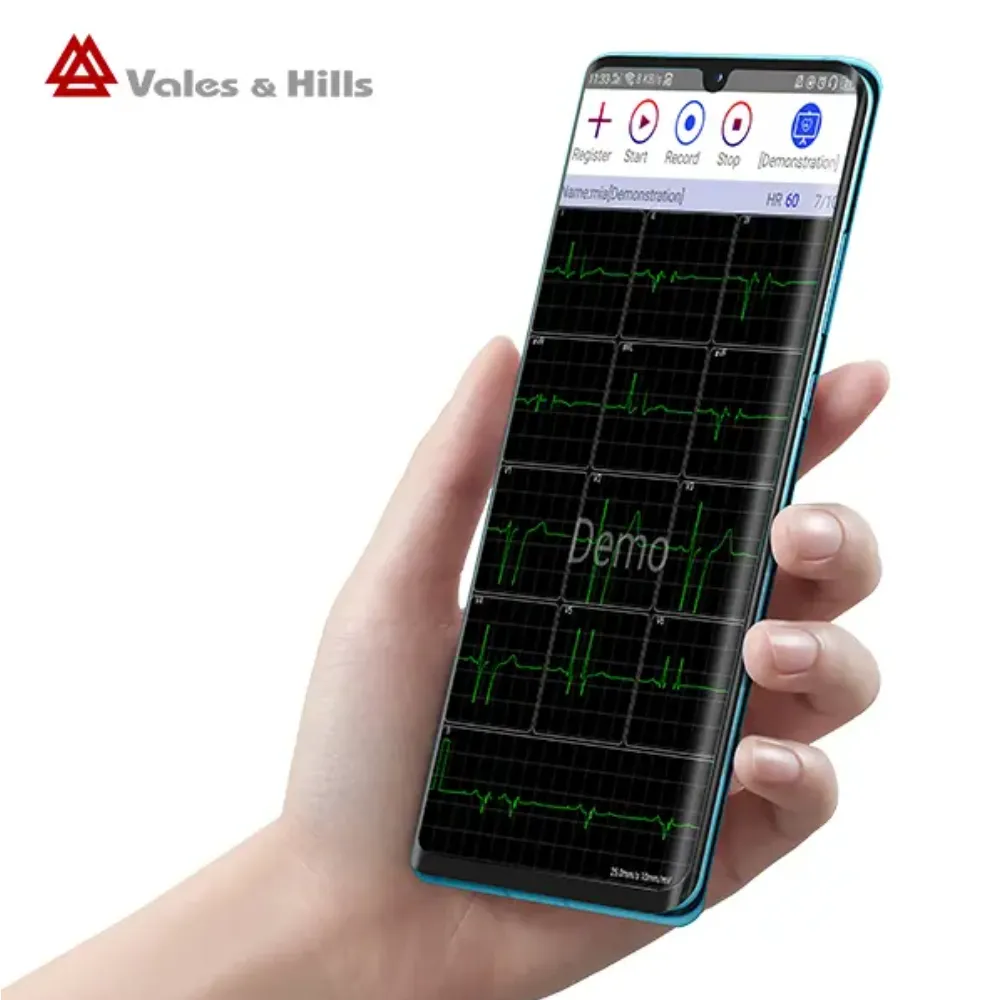
Professional electrocardiography (ECG, also called EKG) uses acquisition hardware to capture the heart’s electrical signals. In the Android configuration discussed here, the phone or tablet runs the companion application. It doesn’t replace the external ECG recorder or its required patient connections.
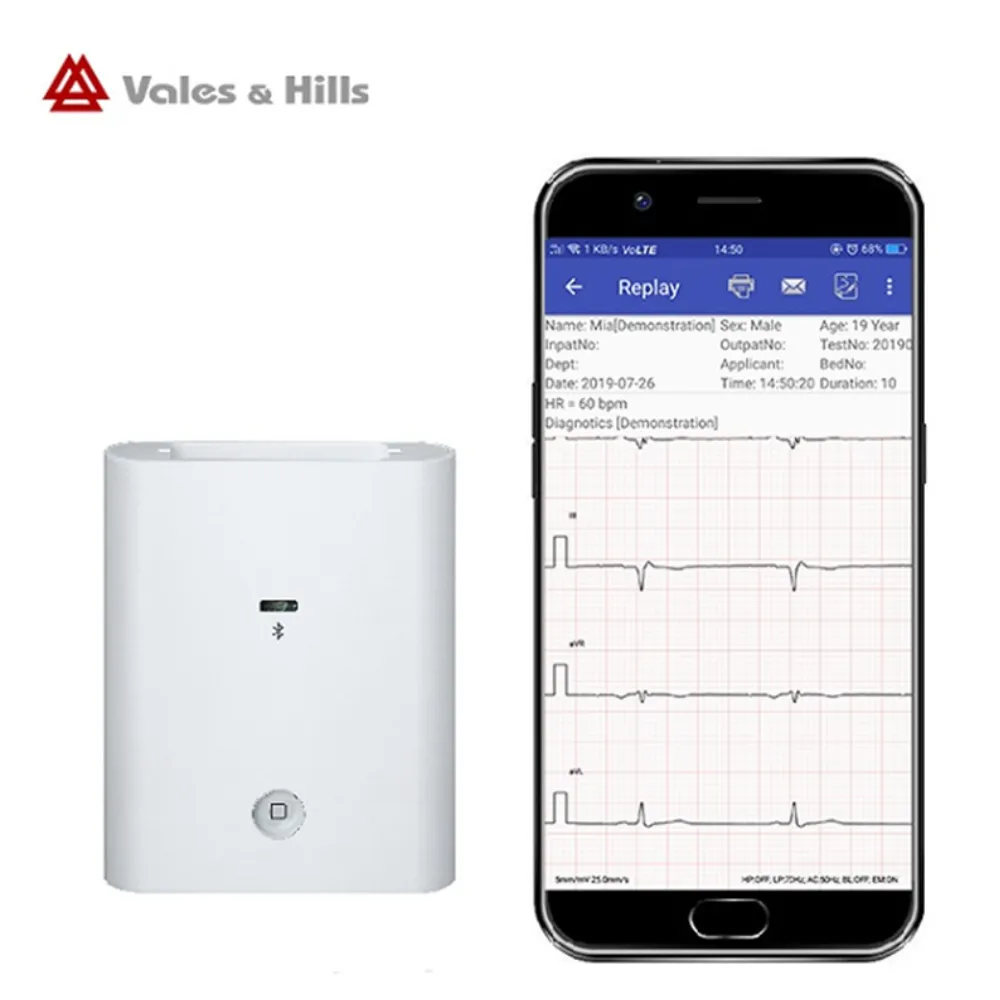
Vales & Hills Biomedical Tech. Ltd. (V&H) describes its Android iCV200 ECG recorder as transferring signals over Bluetooth to an application called aECG. The product page lists simultaneous 12-channel measurement and analysis, PNG/PDF reports, and Bluetooth thermal printing. These are manufacturer-described features of that model, with the offered software and accessories still to be confirmed.
Start by matching the recorder’s full model and revision to the application identified in the proposal. Ask for its current name, publisher, version, and approved installation source. Similar product names or a generic ECG app listing don’t establish that two components work together.
For the equipment range, explore V&H’s Android ECG options before requesting the requirements for a specific configuration.
Keep the examination in view
A resting 12-lead ECG, a consumer rhythm recording, and a Holter recording aren’t interchangeable buying categories. Define the examination your service intends to perform before comparing mobile devices. Portability and a shared Bluetooth label don’t establish the same recording scope.
Check the Android phone or tablet before ordering
Record the exact device and Android build
Write down the manufacturer’s name, complete model code, Android version, and build number for each proposed host. “Samsung tablet” or “Android phone” is too broad for a technical confirmation. Include the number of devices if the service plans to use a fleet.
Ask whether the manufacturer’s requirements cover that model and software combination. If a document specifies an Android minimum, find out whether it also limits supported devices, app versions, or functions. Meeting one minimum doesn’t establish the complete configuration.
Illustrative planning example: Priya, a clinic’s equipment coordinator, lists six existing tablets for a proposed ECG purchase. They find two model codes and three Android builds across the group. Priya sends that inventory with the recorder inquiry and keeps each combination open for confirmation.
The purchasing team now has a clear verification list, rather than one assumption covering all six tablets. This is a fictional example, not a V&H customer case.
Confirm installation and Bluetooth permissions
Ask how the specified app is supplied and updated. If the tablets are managed by your organization, involve IT before assuming an operator can install it. Confirm any licensing, account, network, or regional requirements for the proposed application without assuming they apply to every Android ECG product.
Bluetooth permissions also depend on the software environment. Android Developers’ Bluetooth permission guidance explains requirements tied to the application’s target software development kit (SDK). For applications targeting Android 12 or later, relevant scan and connection permissions can involve the Nearby devices prompt. The documentation also describes alternative connection methods and exceptions.
This general guidance doesn’t establish which permissions a particular aECG release requests. Follow the current application’s documented process. Don’t change unrelated permissions or assume location must always be enabled because another Bluetooth app required it.
A Bluetooth version number alone is not a complete connection specification. Ask the supplier to identify the documented connection method for the recorder and app, including any firmware requirements. Use the current instructions for discovery and connection rather than borrowing a pairing sequence from a different ECG device.
Check the working display and required outputs
Phone and tablet preferences should reflect the team’s actual tasks. Ask operators to assess whether the proposed display makes the waveform, identifiers, comments, and controls readable during an authorized demonstration. Screen size alone doesn’t confirm software support or usability.
If printing is required, identify the exact printer model in the proposal. An Android tablet’s general Bluetooth capability doesn’t prove it can print from the ECG application to any Bluetooth printer. Include the intended report destination, too, so acquisition compatibility and output requirements are reviewed together.
Build an Android ECG compatibility decision record
Keep one record for each proposed configuration. The table below is a buyer’s worksheet, not a V&H supported-device list. Fill it from current manufacturer documentation and agreed verification results; leave unresolved fields marked “requires verification.”
| Component | Record or request | What must be clear |
|---|---|---|
| ECG recorder | Full model, hardware revision, and applicable instructions | The documentation matches the offered unit. |
| Companion app | App name, publisher, version/build, and installation source | The app is specified for that recorder. |
| Android host | Brand, complete model code, and phone/tablet type | The named host is covered or has an agreed verification process. |
| Software environment | Android version/build and relevant firmware | The evidence covers the proposed combination. |
| Connection | Documented Bluetooth method and app permissions | Staff can follow the current connection instructions. |
| Required outputs | Saved record, report format, destination, and printer if needed | Each required function has its own acceptance check. |
| Acceptance evidence | Date, configuration, test scope, results, and responsible person | Open items and limits remain visible. |
Use three evidence states. Documented supported means current manufacturer evidence covers the stated combination and scope. Requires verification means a requirement remains unanswered or an agreed check is incomplete. Manufacturer confirms unsupported means the manufacturer has explicitly excluded the combination.
These labels help avoid two common purchasing mistakes: treating a missing document as proof of incompatibility, and treating silence as approval. Ask for clarification when a document is unclear about model scope, release version, or the functions tested.
Keep technical support evidence separate from your organization’s acceptance decision. A manufacturer may identify a supported host while the clinic still needs to check its managed-device restrictions, reporting route, or accessory setup. Record both decisions so a quotation isn’t treated as a completed deployment check.
The record should also identify its owner. Give the purchasing, biomedical engineering, and IT teams access to the same version. When the supplier clarifies a requirement, update the record and preserve the dated supporting document instead of leaving the answer in one person’s inbox.
Verify the complete configuration before rollout
Agree on checks that match the purchase
Define the required checks before a demonstration. Follow current manufacturer instructions and your organization’s procedures, using authorized simulation or demonstration records where appropriate. A compatibility check is a technical acceptance activity; it doesn’t replace clinical validation or operator training.
A useful sequence is to:
- Confirm that the recorder, app, host, and versions match the configuration record.
- Demonstrate connection and ECG acquisition using the documented method.
- Check that the intended record is retained and can be reopened as required.
- Verify the agreed report output and destination, including the exact printer if needed.
- Record results, limitations, unresolved issues, and who must address them.
Keep the acquisition test and output test distinct. A PDF report doesn’t establish raw ECG data export or a native connection to a hospital record system. If those interfaces are required, request their documentation and agree on a separate verification scope. The Android ECG reporting guide explains report and handoff considerations in more detail.
Illustrative planning example: Alex, a distributor preparing a two-tablet demonstration bundle, includes a Bluetooth printer in the proposed package. They ask for the printer’s exact model and a separate printing check alongside ECG acquisition. Their acceptance sheet now records those functions individually, with any unresolved printer requirement left open. This is a fictional purchasing scenario; it doesn’t report a tested V&H configuration or a product failure.
Define what happens when a component changes
A replacement tablet or changed app release creates a new question: does the existing support evidence still cover this setup? Ask the supplier which changes require renewed confirmation or testing. Keep the updated versions with the record.
Work with IT on operating-system and security updates. Avoid keeping equipment on an old release merely to preserve an assumption about compatibility. Instead, establish how the manufacturer communicates supported changes and how your team checks the affected functions before planned deployment.
If an interruption check is part of acceptance, agree on a controlled method and expected behavior with the supplier. Don’t assume the application buffers recordings, reconnects automatically, or recovers unsaved work. Those behaviors require evidence for the actual release.
The wider responsibilities for recording, review, and report handoff belong in the service’s Android ECG clinical workflow. Keep this compatibility record focused on the components and functions that were confirmed.
What to send V&H for a compatibility check
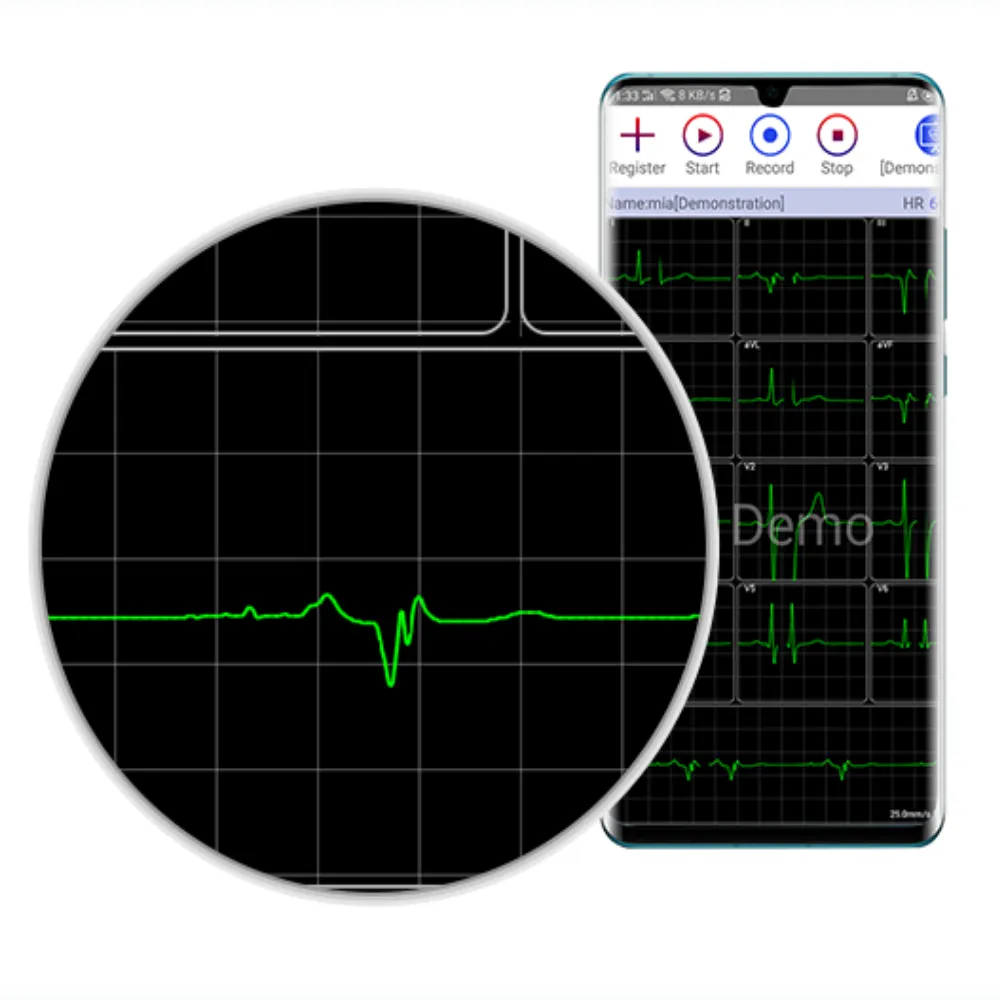
A detailed inquiry gives the supplier a specific configuration to review. Include your intended examination and destination market, along with the devices you already own or plan to buy. If you haven’t selected a host, ask for current documented options rather than choosing from a generic Android specification.
You can adapt this request:
We are evaluating Android-compatible resting ECG equipment for our professional service. Please review the configuration below and provide the current requirements for the offered recorder revision.
- Destination country or market:
- Intended examination and setting:
- ECG recorder model/revision, if known:
- Android brand and complete device model code:
- Android version and build:
- App name and version, if already supplied:
- Required report destination and printer model, if applicable:
- Number of recorders and Android hosts:
Please confirm the specified application and installation source, supported configuration, relevant limitations, and any verification still required. Please also identify the applicable instructions and product documentation.
No patient information is needed for this initial equipment inquiry. Ask for a response tied to the named configuration and keep it with the quotation. If a proposed host isn’t covered by existing evidence, agree on the next verification step before treating it as supported.
Common Android ECG compatibility questions
Does an Android minimum guarantee tablet compatibility?
No. A minimum version is one part of the requirements. Check the named device, app release, recorder revision, and required functions together. Ask the manufacturer to clarify any unlisted combination rather than assuming a newer tablet must work.
Can any Android ECG app work with iCV200?
Don’t assume that it can. The Android iCV200 product information names aECG. Request the current application identity and build for the offered unit, including its approved installation route. A similar app name or a successful download isn’t confirmation of recorder support.
What should we recheck after an update?
Confirm whether the change remains within the manufacturer’s documented support and your site’s accepted configuration. Recheck affected acquisition, retention, and output functions according to the agreed process. Keep the new versions and results with the configuration record.
Confirm the configuration before committing to equipment
An Android ECG compatibility decision should end with a documented setup and a clear list of any open requirements. Start with the exact recorder and companion app, identify the phone or tablet and software build, and check the functions your service plans to use.
Keep the supplier’s technical confirmation, your acceptance results, and the itemized quotation together. When a component changes, review whether the evidence still covers the new combination. This gives purchasing and technical teams a shared basis for their decision.
Request model-specific Android ECG requirements from V&H. Send your proposed device inventory, destination market, and reporting needs so the discussion can focus on the equipment your team is evaluating.
Post time: November 16, 2026


