


1.Introduction
Traditional cart-based systems are expensive, bulky, and require specialized operator training. In contrast, a Bluetooth resting ECG system offers a superior alternative. Taking our iCV200S from Vales&Hills Biomedical Tech Ltd as an example, this device features a portable design, Bluetooth connectivity, automatic diagnosis and analysis, a free app downloadable from the Apple App Store, and a variety of color options (green, gray, red) tailored to market preferences.
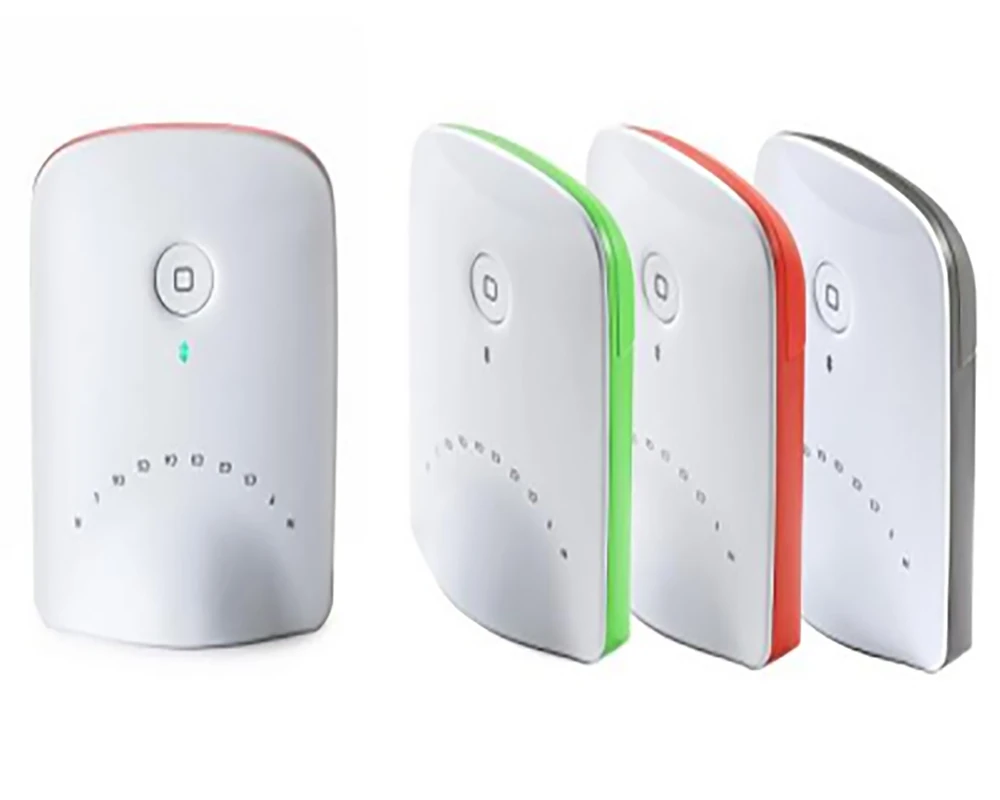
This guide serves as a reference for clinic managers, procurement specialists, and biomedical engineering technicians. It covers hardware setup, software deployment, Bluetooth pairing, battery management, and basic troubleshooting.
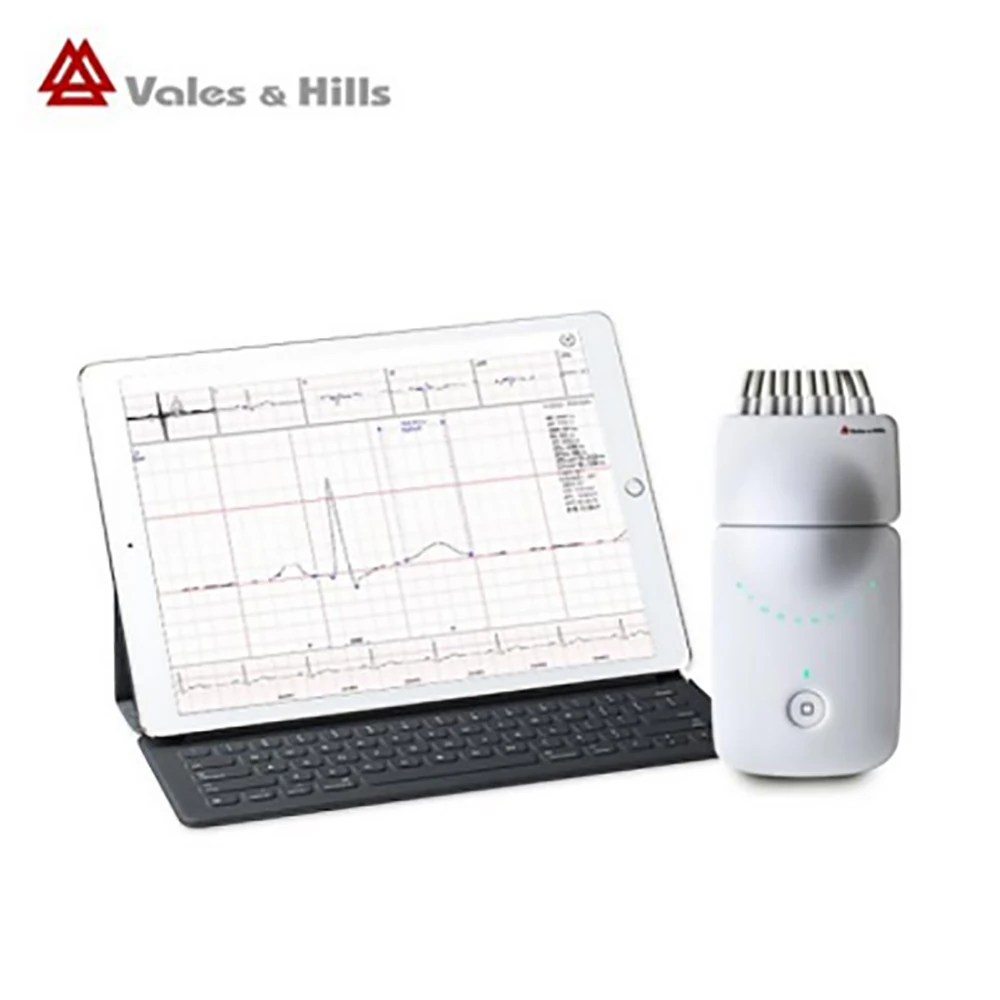
2.Why Clinics are Switching to Bluetooth Resting ECG Systems for iOS
There are three main reasons: Cost, Space, and Training.
- First, Bluetooth-based systems offer a lower Total Cost of Ownership (TCO). The hardware is simpler, and maintenance costs are lower.
- Second, compared to full-sized cart-based designs, the portable ECG acquisition box takes up virtually no space.
- Third, most clinical staff are already proficient with iPads. Unlike proprietary ECG machines with unfamiliar and complex interfaces, there is almost no learning curve with this system.
For clinics purchasing in bulk, software deployment is straightforward. You can download the app on multiple iPads for free.
3.What Does a Typical Bluetooth Resting ECG System Include?
Hardware Components:
- ECG Acquisition Box – The main unit. It reads heart signals and transmits them to the iPad via Bluetooth.
- Patient Cable – Connects the acquisition box to the electrodes on the patient.
- Electrode Adapters – Small components that allow you to use different types of electrodes.
- Power Supply – 2x AAA LR03 batteries (included by some suppliers, otherwise provided by the user).
Software Components:
- iOS App – Downloaded from the Apple App Store. The software is Apple-approved for resting ECG recording and includes a demo mode for staff training.
Additional Requirements:
- iPad or iPad mini (running a compatible iOS version)
- ECG Electrodes (consumables)
4.Hardware Setup: Step-by-Step Guide for Clinical Deployment
Please follow these steps:
- Step 1: Insert 2x AAA LR03 batteries into the acquisition box.
- Step 2: Plug the patient cable into the acquisition box.
- Step 3: Use adapters to fit different electrodes.
- Step 4: Press the power button. The indicator light will turn on.
5.Software Deployment on iPad / iPad mini Initial Setup:
To set up the Bluetooth ECG on an iOS device, open the Apple App Store, search for the ECG app (e.g., “vhECG Pro”), and download it.
For Bulk Procurement (Volume Deployment): You can download the app on multiple iPads without paying per device.
Staff Training: The app includes a demo mode. Staff can practice using the software without connecting to an actual ECG acquisition box—perfect for training new employees.
6.Workflow Integration
From Patient to Report Integrating a Bluetooth resting ECG system into daily clinic operations is seamless. Here is a typical patient workflow:
- Step 1 – Patient Preparation: Attach electrodes to the patient according to standard ECG placement positions.
- Step 2 – Connection: Connect the patient cable to the electrodes, and then to the ECG acquisition box.
- Step 3 – Open App: Launch the ECG app on the iPad. Connect via Bluetooth.
- Step 4 – Recording: Tap “Start” to begin recording.
- Step 5 – Save and Export: Save the ECG waveform. Export data to your EMR system or print the report.
7.Troubleshooting for Technicians
Here are the most common issues and their solutions:
| Issue | Solution |
| ECG acquisition box not found on iPad | Check batteries → Restart acquisition box → Restart iPad Bluetooth |
| Frequent disconnection | Replace with new AAA batteries (most common solution) |
| App will not open | Redownload from the App Store using the same Apple ID |
| No ECG signal | Check if the patient cable and adapters are securely connected |
| Pairing errors with multiple devices | Clear Bluetooth records and re-pair each iPad to its designated acquisition box |
Tip for Clinic IT Staff: Label each ECG acquisition box with a number and pair it with a specific iPad. This saves time during troubleshooting.
8.Procurement Compliance and Safety Considerations Software Compliance
The ECG app is Apple-approved for resting ECG recording on iPad/iPad Mini.
Intended Use: This system is intended for resting ECG examinations only.And it is also suitable for environments such as emergency rooms, first aid, or intensive care etc.
9.Conclusion
For clinics, Bluetooth resting ECG systems for iOS are a practical alternative to traditional cart-based equipment. They cost less, take up less space, and are easier for staff to adopt since they work with standard iPads.
For B2B buyers, the value is clear: lower TCO, simpler maintenance, and flexible deployment across multiple exam rooms or at the bedside.
If your clinic needs a reliable, portable resting ECG system for iOS from Vales&Hills Biomedical Tech Ltd without the complexity and high cost of traditional equipment, our Bluetooth ECG device is undoubtedly a wise choice. If you are interested in our products, please feel free to contact us for a quote.
10.Frequently Asked Questions (FAQ)
Q: Can you guarantee safe and reliable delivery of the products?
A: Yes, we always use high-quality export packaging. For dangerous goods, we use specialized hazardous materials packaging; for temperature-sensitive items, we use validated temperature-controlled shipping containers. Special packaging and non-standard packaging requirements may incur additional charges.
Q: What payment terms do you accept?
A: You can pay via T/T (Telegraphic Transfer) to our bank account or by Letter of Credit (L/C) for the full amount. Alternatively, under special circumstances, a 50% deposit is required in advance, with the remaining 50% balance settled before shipment.
Q: Can you provide relevant documentation?
A: Yes, we can provide most documentation, including FDA, CE, ISO 13485, FSC, Certificates of Origin, and other required export documents.
Post time: May 15, 2026


